â–£
Scheduling & Dispatch
Assign technicians, manage scheduled work, and keep field activity visible to the office.

Connect customer requests, scheduling, work orders, technicians, equipment records, communication, and closeout without stitching together five different systems.
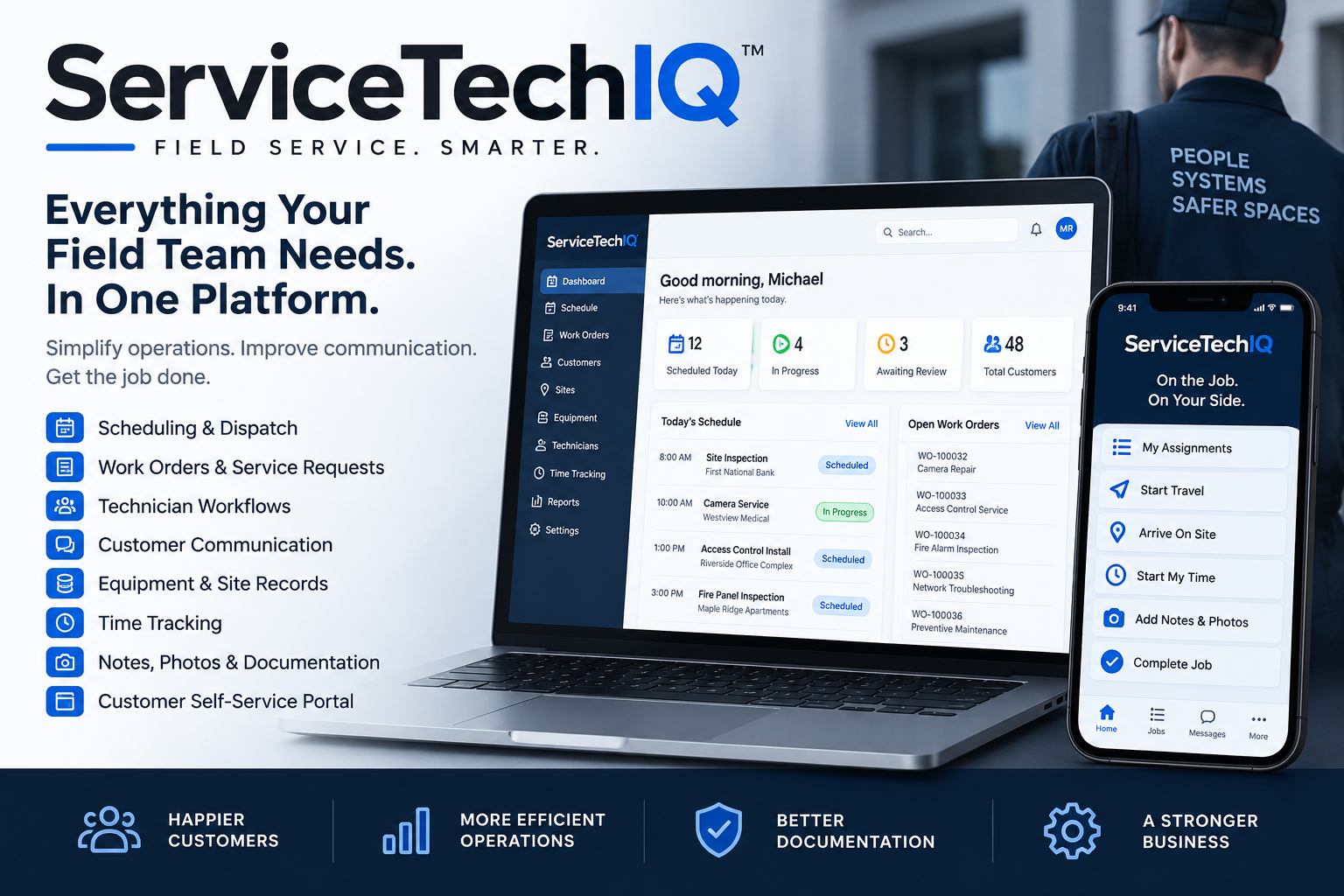
ServiceTechIQ keeps the office, field team, and customer on the same operational record from the first request through completion.
Assign technicians, manage scheduled work, and keep field activity visible to the office.
Move from assignment through travel, arrival, time, notes, parts, documentation, and completion.
Capture customer needs, photos, equipment context, and convert requests into scheduled work.
Give technicians a focused workflow with status, job data, site intelligence, and field documentation.
Let customers request service, follow status, view equipment, communicate, and review quotes.
Keep site-specific equipment and service history connected to the work being performed.
Capture travel and work time in the same system as the job, with review and correction controls.
Move quotes through approval or decline, signature, finalized PDF generation, and delivery.
The system is designed around the actual progression of field service instead of forcing teams to work around the software.
Office or customer submits the service need with site and equipment context.
Convert to a work order, set date and time, and assign the right technicians.
Travel, arrive, start time, document the work, and capture parts or photos.
Managers review the completed record and resolve corrections before final processing.
Keep the completed work tied to the customer, site, equipment, and future service history.
The customer portal creates a clean path for requests, status updates, messages, equipment visibility, and quote decisions while keeping employee access separated by role.
A simpler customer experience means fewer status calls, fewer disconnected messages, and a cleaner record for the office.
ServiceTechIQ is built around tenant separation, role-based access, authenticated users, and scoped workflows so employees and customers see the records they are supposed to see.
Managers and dispatchers can coordinate operations, assigned technicians can work their jobs, and customer users stay inside the customer-facing experience.
View security overviewStart free, choose a paid plan, or talk with us about an Enterprise rollout.